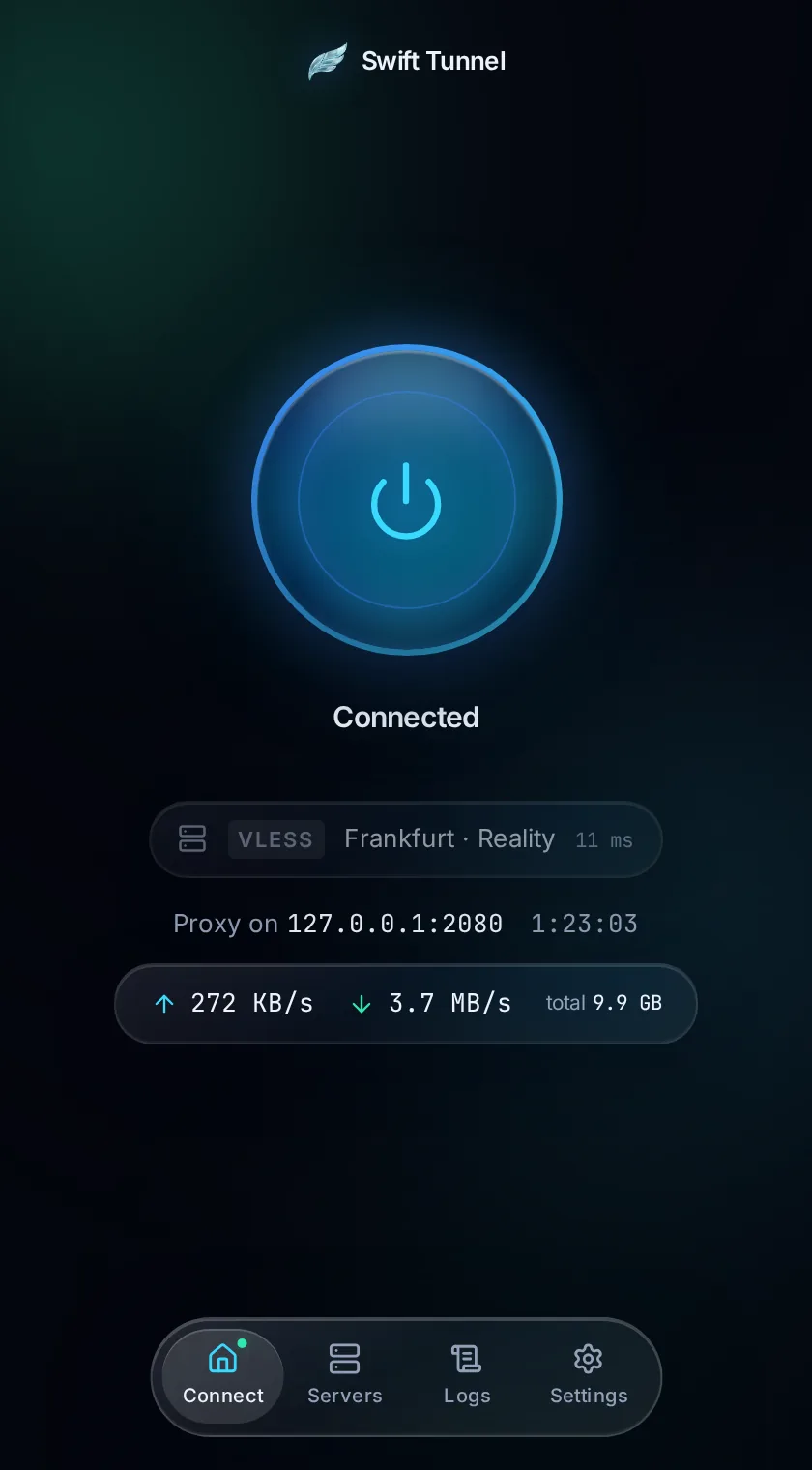
01 · Connect
One orb. One tap.
The dashboard shows exactly what matters — live status, throughput, ping, and the active protocol — and nothing else.
- Connection status
- Up / down speed
- Real-time ping
- Active protocol
Swift Tunnel is a beautiful desktop tunnel client powered by the sing-box core. Import any configuration, connect instantly, and manage every protocol from one elegant interface.
Free · Windows, AppImage, .deb, .rpm · No account required
 Swift Tunnel
Connected
Proxy on 127.0.0.1:2080·1:23:03
Features
Connect instantly without complicated setup.
One client supporting the protocols you already use.
Paste a link, scan a QR code, or add a subscription.
Privacy-focused architecture with minimal data handling.
Stay protected if your tunnel disconnects.
Powerful settings without unnecessary complexity.
The app
01 · Connect
The dashboard shows exactly what matters — live status, throughput, ping, and the active protocol — and nothing else.
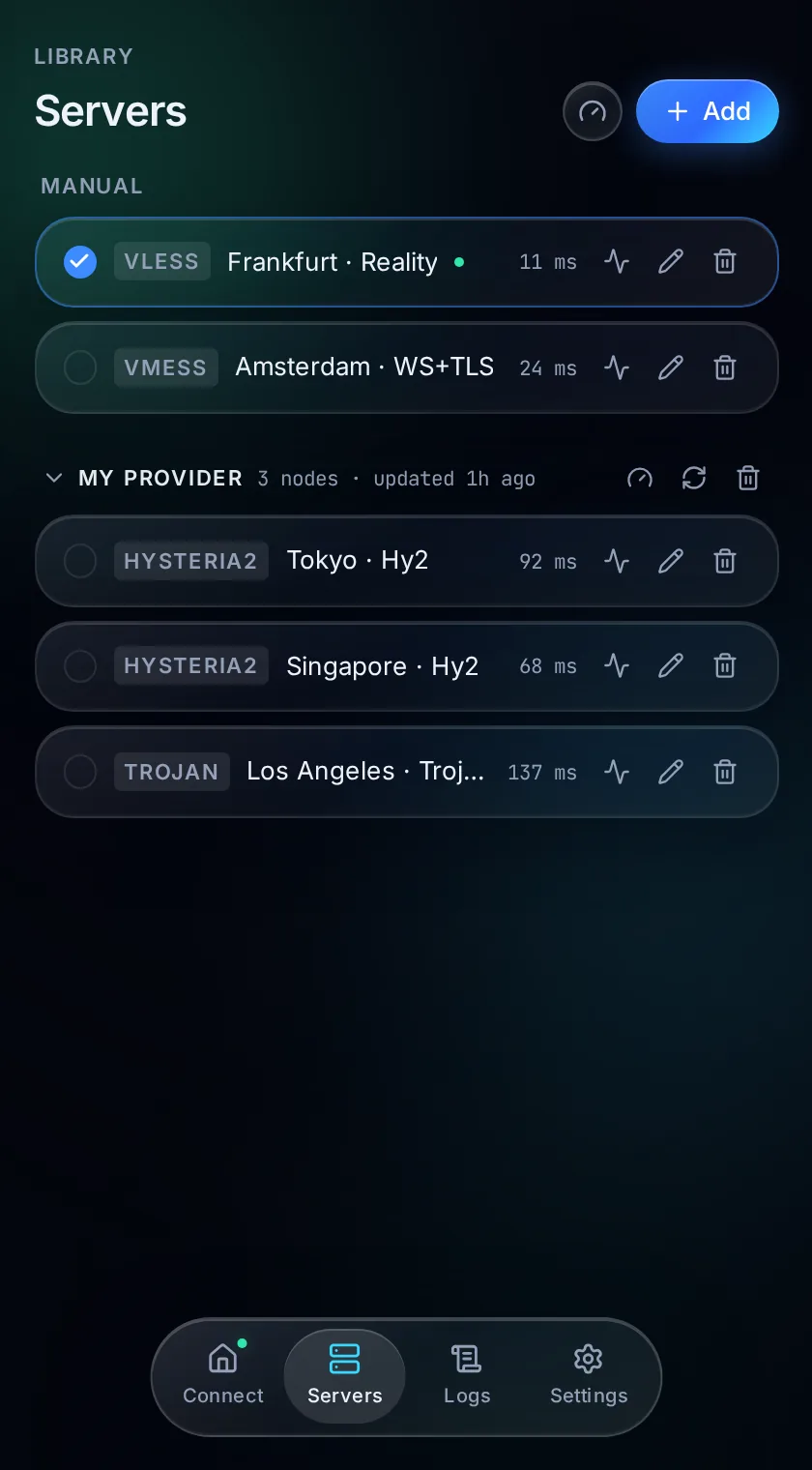
02 · Servers
Group manual entries and provider subscriptions together. Latency-test any node and switch in a single click.
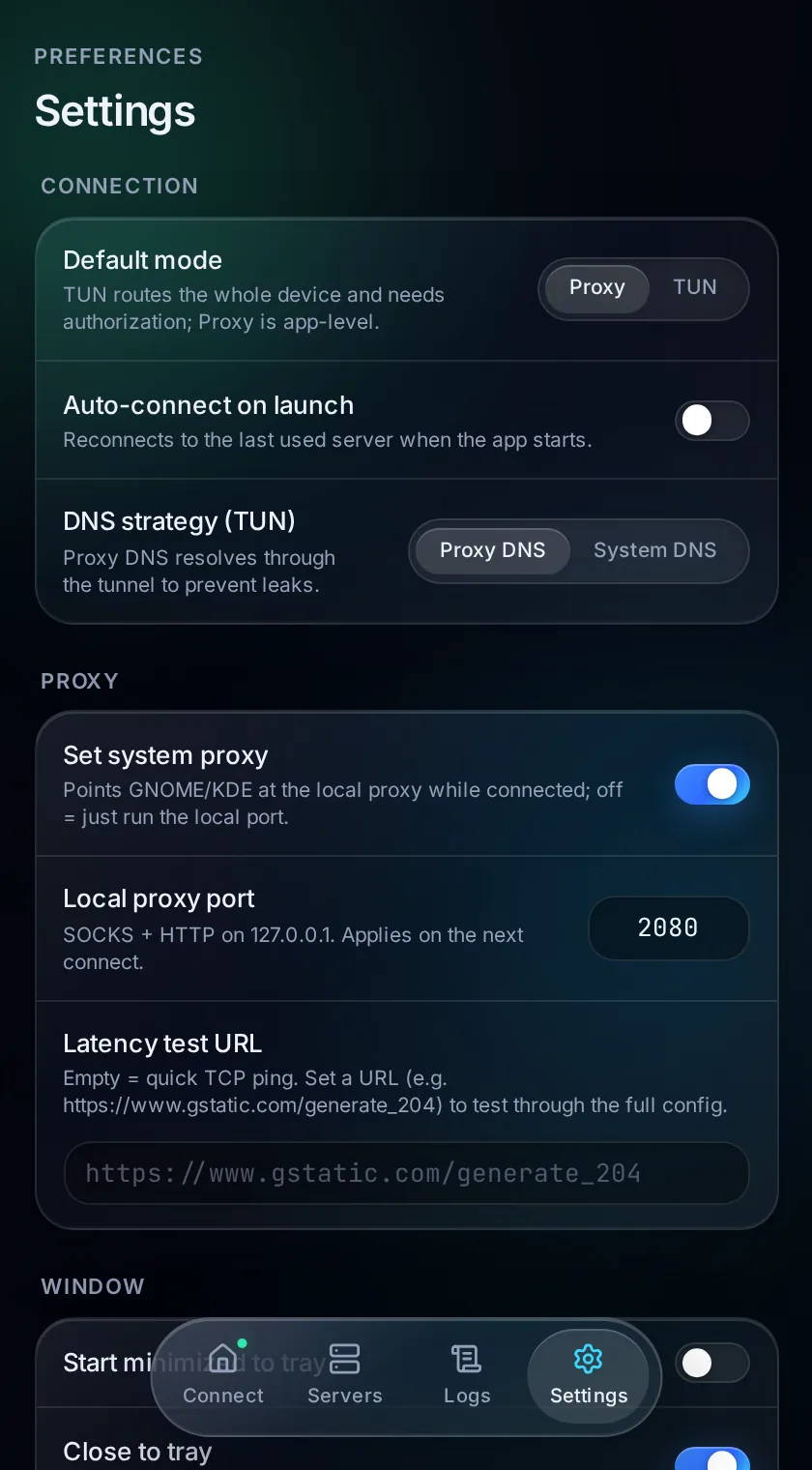
03 · Settings
TUN or Proxy mode, DNS strategy, system proxy, kill switch — the deep controls are here when you need them.
The ecosystem
Swift Tunnel speaks the transports you already run. Whatever config you paste in, sing-box handles it.

How it works
Grab the AppImage, .deb, or .rpm and launch. No account, no sign-up.
Paste a share link, scan a QR code, or add a subscription URL. Your config stays on your machine.
Pick a node and tap the orb. sing-box handles the rest across any protocol.
Privacy
Swift Tunnel is a client, not a service. It doesn't run servers, sell bandwidth, or route your traffic through anyone. You bring the config; it stays on your machine.
Swift Tunnel doesn't record where you go. There's no telemetry pipeline to leak.
Built on the proven sing-box core — the same battle-tested engine trusted across the ecosystem.
Connections are handled locally on a port you control. What you see is what runs.
Your servers and keys live on your device — never uploaded, never synced without you.
By the numbers
Download · v0.8.0
Pick the package for your distribution — no account, no sign-up. The app keeps itself up to date after install.
Latest release: New routing engine: custom rules for domains, IPs, ports and protocols, rule-sets, FakeIP, split DNS, and leak detection In-app update notifications with release notes on launch Fixed WireGuard connections and a startup race; hardened CSP and subscription downloads
Choose the package for your operating system.
Installer · .exe
64-bit · Windows 10/11
Universal · runs anywhere
64-bit · x86_64
Debian · Ubuntu
64-bit · x86_64
Fedora · RHEL · openSUSE
64-bit · x86_64

Import a config, tap the orb, and go. Every protocol, one elegant interface — nothing between you and your tunnel.